Pack RNG Multiplayer
How to play with others, stack friend luck, and keep public servers productive.
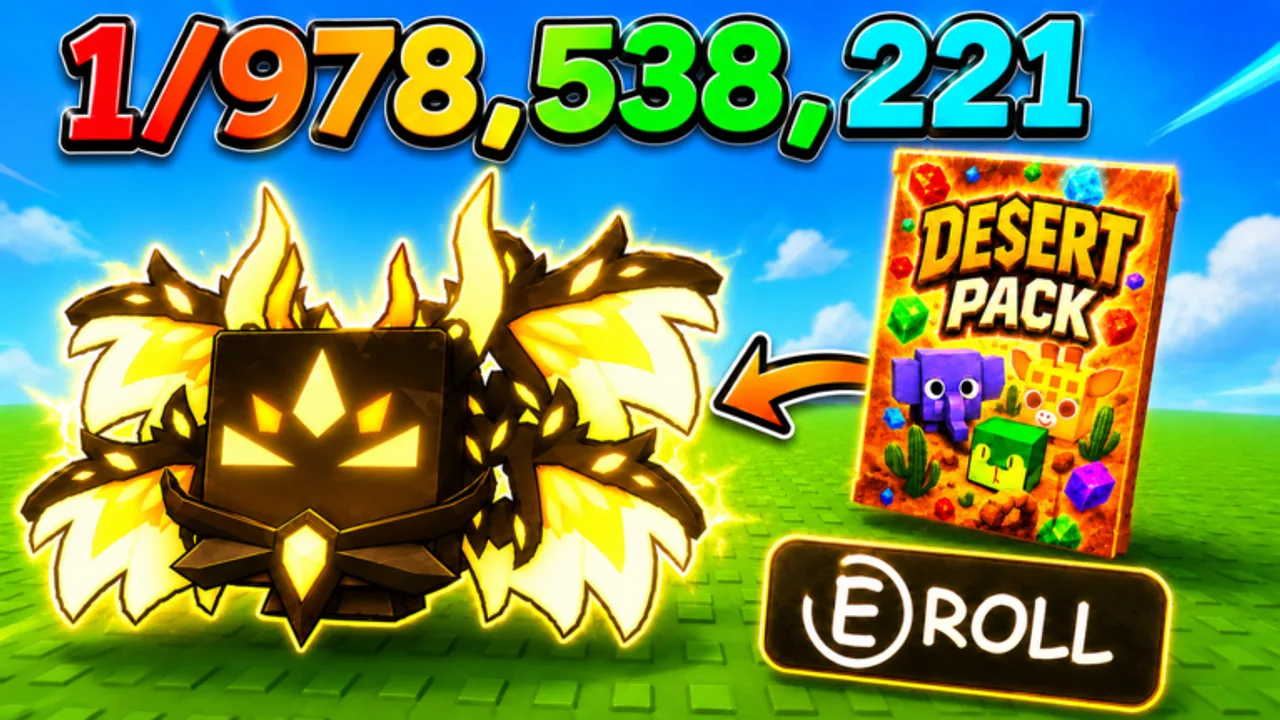
Pack RNG is built as an online Roblox experience with room for friends in the same server. The official description highlights playing with friends for more luck, while community trackers list small server caps — often around 12 players — which keeps sessions intimate but still public enough that etiquette matters. This hub covers how to party efficiently, when to hop servers, and how multiplayer interacts with packs, mining, trading, and offline progress.
Multiplayer here is not a separate game mode document. It is the social layer on top of the core loop: open packs, mine ores, unlock worlds, earn offline, and trade when the feature is available. Use these pages when your luck plan depends on other people or when crowded servers affect your income.
Featured player topics
Friend Luck
The dedicated guide for how friend presence boosts luck, how to invite reliably, and how to avoid losing the bonus mid-session. Read this before any group hunt or premium pack streak.
Pair it with the Luck Checklist so permanent bonuses (like + group membership) are done before friends join.
Server hopping wisely
Server hopping means leaving one instance and joining another. It is useful sometimes and harmful often.
Good reasons to hop
- Persistent lag that stops mining or pack animations
- Friends spawned into a different instance and invites failed
- A trade partner confirmed they are in another server
- Toxic chat or scam attempts you cannot mute quickly enough
Bad reasons to hop
- Superstition after unlucky rolls — RNG does not remember your last server
- Losing friend luck because one player left for thirty seconds
- Chasing rumored “luck servers” without official event text
After hopping, rerun the social section of the Luck Checklist. Friend bonuses usually require everyone to be loaded in the same instance again.
Multiplayer etiquette basics
Pack RNG servers are small. Your behavior affects other players’ sessions.
- Ask before large trade negotiations in public chat; move to a clear area if the game provides one.
- Do not spam trade requests at players who are mid-animation or in menus.
- Share event information when Treat Games runs limited-time bonuses — cite in-game text or group posts, not fake codes.
- Avoid blocking ore nodes or pack areas if collision allows it; reposition when asked.
- Use polite language — many players are young; scams target impatient traders.
For trade-specific safety, read Trading Guide. Trading has appeared in Pack RNG naming, but rules can change; verify UI each patch on Updates Hub.
Coordinating goals with friends
Mixed goals in one party create friction. Align on one primary goal per session:
| Group goal | Who leads | Wiki support |
|---|---|---|
| Rare pet hunt | Best-informed luck setup | Friend Luck, Rare Pets Guide |
| World unlock grind | Player closest to gate cost | Pack Planner, Unlock Worlds |
| Mining income | Player with best ore route knowledge | Mining Ores |
| Trading session | Both parties with verified items | Trading Guide |
If half the group wants to open packs and half wants to mine, split reserve budgets or play parallel milestones with a shared stop time.
Public vs private sessions
Roblox private servers or friend-only instances reduce scam risk during trades and keep friend luck stable. Public servers help when you need random trade volume or want to see how busy the game is after updates.
Neither choice replaces official announcements. Join the Treat Games group regardless of server type so you see update posts.
Offline earnings and multiplayer
Offline progress continues when you leave, but friend luck does not apply while offline. Plan active multiplayer windows for rolling and hunting, then configure offline earnings before solo breaks — see Offline Earnings.
Communication channels that matter
Treat Games points players toward the Roblox group and follow prompts for updates. This wiki lists Treat Games YouTube on the Wiki Overview as a secondary visual source.
We do not invent Discord invites or Trello boards. If you only see group + game page + YouTube linked officially, use those for event and patch timing instead of unofficial countdown bots.
Related single-player systems
Multiplayer modifies luck; it does not replace economy planning.
- How to Get Luck — permanent sources before social bonuses
- Progress Fast — daily routines that include optional co-op blocks
- Tier List — decide what to keep after group opening sessions
- Codes — redeem solo to avoid UI conflicts, then rejoin friends
When things go wrong
Friend luck not applying
Confirm same server, fully loaded avatars, and no recent hop. Re-invite from the Roblox friends menu if needed.
Trade scam attempts
Decline, screenshot if necessary, hop servers, and never trade based on chat promises alone.
Update changed party rules
Read Events and patch notes on Updates Hub before blaming friends for “broken luck.”
Suggested multiplayer session flow
- All players complete permanent luck steps.
- One host picks a server; others join that instance.
- Run Friend Luck coordination tips.
- Execute one shared milestone with Pack Planner budgets.
- End with offline setup or agreed trade window.
Playing together should raise your expected value per hour, not just your chat volume. These pages exist so luck bonuses translate into progress you can bank.
Frequently Asked Questions
Quick answers about Pack RNG systems, this wiki, and where to find official updates.
Does Pack RNG require friends to progress?
No. Solo play works. Friends add advertised luck bonuses and social trading opportunities when you want them.
How many players fit in one server?
Community trackers often list around 12 max players. Small servers mean etiquette and friend coordination matter more.
When should I server hop?
For lag, failed invites, confirmed trade locations, or safety issues — not because of unlucky rolls.
Where is the official Pack RNG Discord?
We do not list Discord unless Treat Games publishes a stable official link. The Roblox group is the primary community signal.
Does friend luck work offline?
No. Friend bonuses apply during shared online sessions. Configure offline earnings separately before logging off.