Pack RNG Updates
Follow what changed after each Treat Games patch so your luck setup and pack plans stay current.
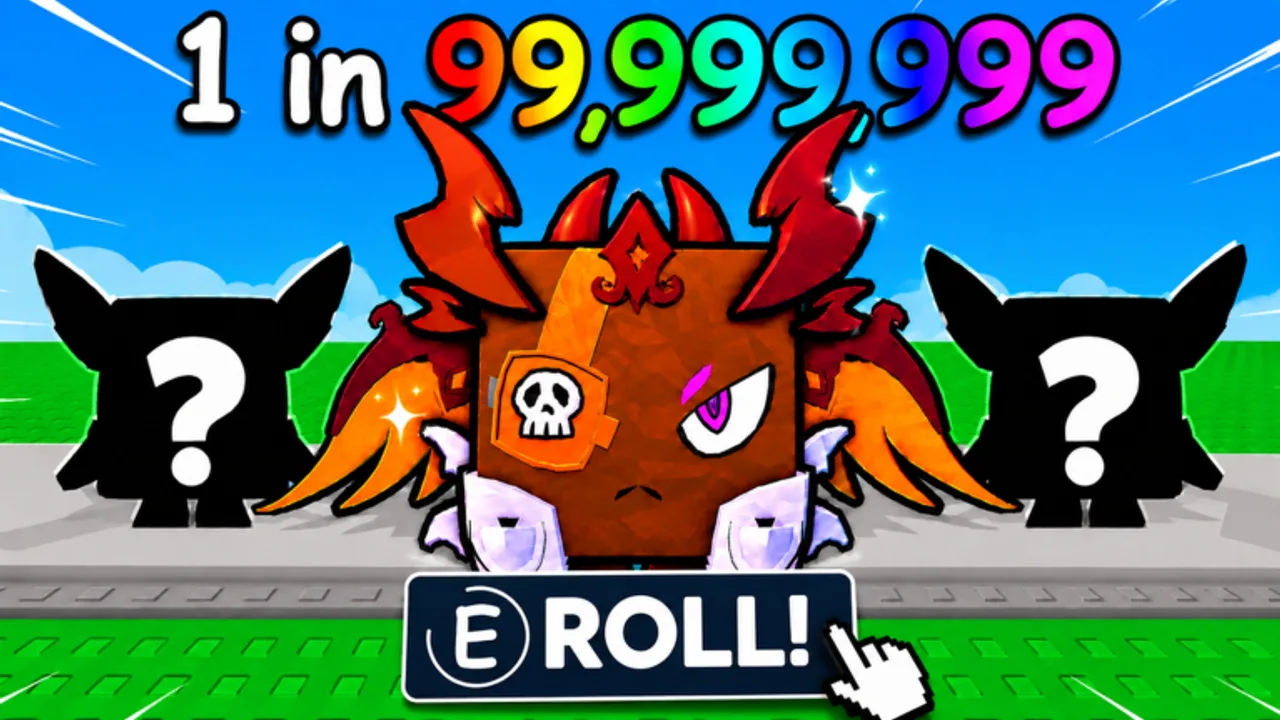
Welcome to the Pack RNG updates hub. Treat Games ships Roblox live-service changes on a cadence typical for RNG experiences: new packs, ore tweaks, world gates, trading adjustments, friend-luck interactions, and limited-time events. This page is your index for confirmed changes and for learning where to look when you log in and something feels different.
We do not invent patch notes, secret codes, or event calendars. When Treat Games publishes text on the game page or Treat Games group, that takes priority over fan summaries. Community-tracked stats such as visit counts can move faster than our prose; always trust in-game UI for costs, luck sources, and trade rules.
Last reviewed: August 2026 — community trackers show roughly 225k visits, 12k favorites, and ~12 max players per server during early growth. Those figures are context, not official Treat Games statistics.
Update subpages
What’s New
Recent patch coverage with a featured Treat Games update video, August 2026 growth context, and a verification checklist so you confirm UI changes in your live client before spending currency.
Events
Learn how limited-time events usually work in Pack RNG-style games, how to spot an active event without a fake schedule, and how to stack event bonuses with the Luck Checklist.
What usually changes in Pack RNG updates
Based on the official game description and genre norms, patches often touch:
- Pack pools — new items, pets, or visual tiers tied to pack buttons
- Mining and ores — sell values, spawn behavior, or tool requirements
- World unlocks — new zones, gates, or travel UI
- Luck systems — friend bonuses, group rewards, or event multipliers
- Offline earnings — caps, timers, or payout formulas
- Trading — trading has appeared in Pack RNG naming; features can be enabled, expanded, or restricted per patch
- Quality-of-life — inventory, notifications, or mobile controls
When a category changes, linked guides and tools on this wiki should be reviewed:
- Luck Checklist after any luck-related note
- Pack Planner after economy or world cost changes
- Trading Guide after trade UI or rule changes
- Rare Pets Guide after new hunt targets enter conversation
How to track updates officially
Treat Games does not always mirror every announcement on every platform. Use this order:
- In-game banner or changelog UI when you spawn into Pack RNG.
- Treat Games Roblox group feed — the strongest official community signal linked from the game description.
- Game description edits on the Roblox experience page — look for new feature lines such as trading tags or event mentions.
- Treat Games YouTube — overview videos like the one embedded here.
- This wiki — summarized for players, with links back to guides when mechanics shift.
We do not list a Discord invite or Trello board unless Treat Games publishes a stable public link on an official surface. If you only see group + game page + YouTube, treat those three as canonical.
After every patch: player checklist
- Read the in-game notice once fully — do not skip during load lag.
- Rerun the Luck Checklist in case group or friend bonuses moved UI locations.
- Open Codes — promo codes sometimes ship with updates, but we only document verified live codes.
- Revisit Tier List hubs if new pets or packs enter the meta conversation.
- Confirm trading still behaves as expected before accepting high-value trades.
Community scale context (not official)
Third-party trackers such as Rolimon’s have shown Pack RNG in roughly the 225k visits and 12k favorites range during early growth phases. Those numbers illustrate player interest; they do not predict update timing or confirm feature roadmaps.
Relationship to guides and tools
Updates explain what changed. Guides explain how to play under the new rules. Tools turn that into session habits.
Suggested flow after a major patch:
- Read What’s New — featured video and verification checklist.
- Read Events if the patch mentions limited-time content.
- Patch-test one short mining run and one low-tier pack open before committing reserve currency from Pack Planner.
- Update your friend party plans via Friend Luck if server or co-op rules shifted.
What we will not publish here
- Leaked or datamined content without in-game confirmation
- Fake “admin codes” from comment sections
- Guaranteed event start times unless Treat Games states them
- Official rarity percentages unless the developer publishes them
If you notice a factual conflict between this hub and the live game, assume the game is correct and check back for a wiki correction after verification.
Stay subscribed without hype
Follow the Treat Games group and favorite the experience if you want Roblox notification surfaces to surface updates. Pair that with this hub bookmark so you have context, not just a patch title. Sustainable progress in Pack RNG comes from adjusting routines when rules change — not from chasing every rumor between patches.
Frequently Asked Questions
Quick answers about Pack RNG systems, this wiki, and where to find official updates.
Where does Treat Games post Pack RNG updates first?
Usually the in-game notice and the Treat Games Roblox group. The game page description and YouTube channel follow as supporting sources.
Does this hub list every patch note verbatim?
No. It indexes how to track changes and links subpages. Always read in-game text for exact wording and numbers.
Where is the featured update video?
On the What's New subpage with verification steps. Visual overviews help spot UI moves — confirm details in game before spending currency.
How do I know if trading changed in an update?
Check the in-game trade UI, update banner, and our Trading guide. Trading has been part of Pack RNG branding but can change any patch.
Will you add a Discord or Trello link when available?
Only if Treat Games publishes a stable official link. Until then, the group page is the primary community signal.