Pack RNG Luck Checklist
Run through this list before every serious pack session so you are not rolling at baseline odds by mistake.
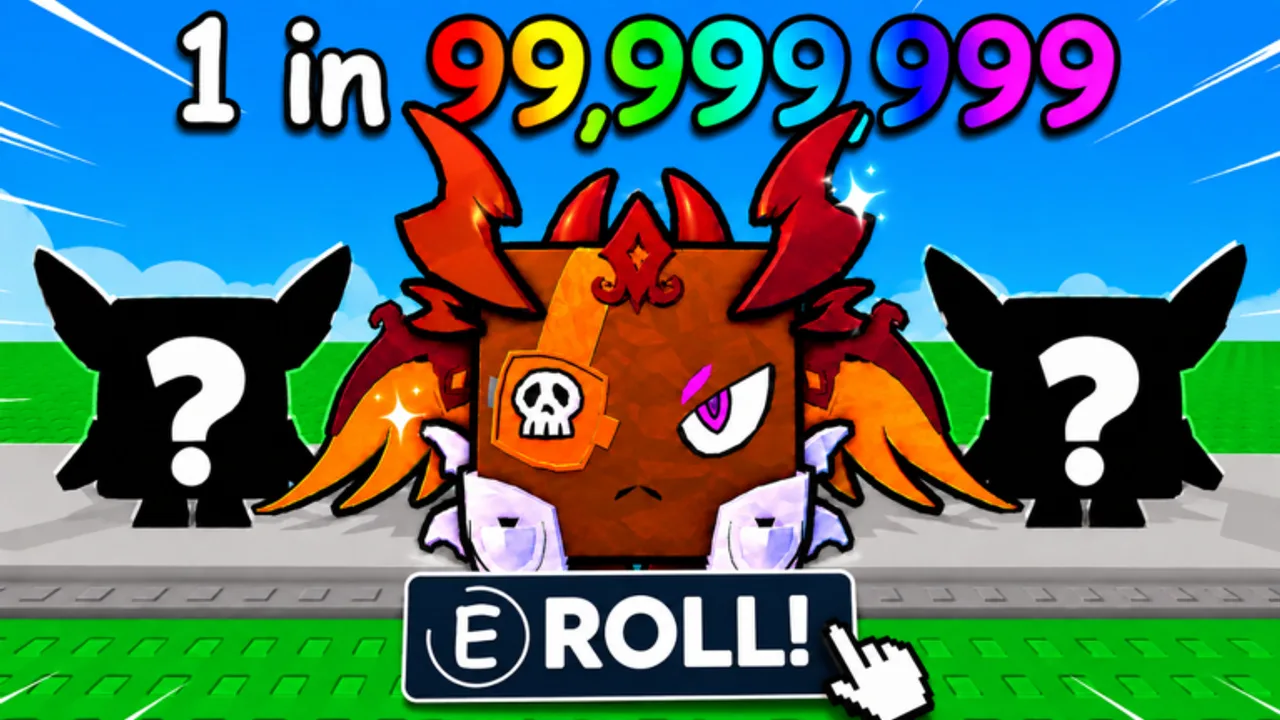
Use this luck checklist at the start of any Pack RNG session where outcomes matter: rare pet hunts, high-tier pack openings, ore runs before a world push, or trading prep when you want your best rolls first. Treat Games designed the loop around RNG, but the official game description also advertises concrete ways to improve your odds before you spend time or currency.
This page is intentionally formatted like an interactive checklist. Copy it to notes, tick items mentally, or keep the tab open on a second screen. For the full explanation behind each step, read How to Get Luck afterward.
Before you launch Roblox
- Confirm you are on the real game page. Use the official Pack RNG experience linked from this wiki, not a copy or reupload with a similar name.
- Join the Treat Games group. The game description states that joining the Treat Games group contributes to +1 Luck when combined with liking the game. Group membership is also where Treat Games posts update notices when no separate Discord or Trello is publicly linked.
- Like the game on Roblox. This pairs with group membership for the advertised +1 Luck baseline. Re-check after major Roblox client updates if your like state ever resets.
- Follow Treat Games for update signals. The description asks players to follow for updates and special events. The YouTube channel linked on the Wiki Overview is another community-facing channel; still treat in-game and group posts as primary when they conflict.
- Decide your session goal. Pick one: pack opening, ore farming, world unlock grind, collection fill, or trade negotiation. Mixed goals waste luck windows.
Server and friends checklist
Pack RNG advertises playing with friends for more luck. Friend bonuses in RNG games usually require friends to share your server instance, not merely appear online elsewhere.
- Invite friends into the same server before opening expensive packs or starting a long hunt. See Friend Luck for etiquette and party sizing tips.
- Verify friends loaded in — avatars visible, not stuck on loading screens.
- Pick a stable server if you are hunting rare outcomes. Avoid hopping every few minutes unless you have a specific reason documented on Players Hub.
- Coordinate stop conditions with your party so someone does not leave mid-session and drop the group luck state without notice.
- Check max server size. Rolimon’s lists up to 12 players per server for Pack RNG. Full friend groups still fit, but crowded public servers may feel laggy during busy hours.
In-game pre-roll checklist
- Clear inventory clutter so new pets, ores, and pack rewards do not hit cap during a streak of opens.
- Sell or bank low-value ores if you need coins for the pack tier you planned. See Mining Ores if mining is today’s income source.
- Confirm world access for the content you are chasing. Some targets may require a unlocked area from Unlock Worlds.
- Set a spend limit in coins or pack count before you start clicking. RNG sessions without stop rules drain progress that Pack Planner would otherwise send toward world gates.
- Enable offline setup if you will log off after — configure whatever the current client offers for offline earnings so passive income continues. Details live on Offline Earnings.
Event and temporary bonus checklist
Treat Games runs special events according to the official description, but this wiki does not publish a fake event calendar. Use conditional checks instead:
- Read the in-game update banner when you spawn. Note any luck multiplier, limited pack, or ore bonus language.
- Check the Treat Games group feed for the same announcement in text form.
- Watch a recent update overview on the Updates Hub if you missed a patch — the featured video summarizes Treat Games changes when available.
- If the update adds potions or consumable luck boosts, buy or craft them before your main roll session, not halfway through.
- If no event is active, skip temporary lines and proceed with permanent + friend luck only.
Codes and free rewards (conditional)
- Visit Codes before spending Robux or long grind sessions. We only list verified active codes; if none are live, do not trust random social posts.
- Redeem any new code in a private server or quiet moment so UI pop-ups do not interrupt a timed event window.
Rare hunt session checklist
Community creators discuss extreme targets such as 1-in-250M style pulls for the rarest pets. Those numbers come from player videos, not confirmed official drop tables. The checklist still helps you avoid rolling under wrong conditions.
- Stack all permanent luck (like + group) first.
- Maximize friend luck for the entire attempt block.
- Pick a pack tier aligned with your hunt — cross-check Pets Tier List and Rare Pets Guide for context, not guaranteed odds.
- Record what you opened if you trade later. Trading has appeared in Pack RNG branding; verify current rules on Trading Guide before valuing items.
- Take breaks on long hunts. Fatigue leads to mis-clicks and accidental sells.
After-session checklist
- Bank profits toward the next world or upgrade instead of immediately reopening packs unless Pack Planner says otherwise.
- Update friends if you pulled something trade-worthy and want fair offers.
- Note any changed UI for the wiki — if Treat Games renames a luck source, Updates should reflect it after confirmation.
Quick reference table
| Luck source | Status in Pack RNG | Checklist action |
|---|---|---|
| Like + group | Advertised +1 Luck | Like game, join Treat Games group |
| Friends in server | Advertised bonus | Party up before rolling |
| Events | Announced in game / group | Read banner; no invented schedule |
| Potions / consumables | Only if an update adds them | Buy before rolling; skip if absent |
| Promo codes | When Treat Games publishes | Check Codes page first |
When to rerun this checklist
Run it again when you change servers, when friends join or leave, after any game update, before trading high-value items, and whenever you switch from mining income mode to pack opening mode. Luck is front-loaded in this genre; five minutes of setup beats an hour of rolling at default odds.
For multiplayer norms while partying, read Players Hub. For economic follow-through after lucky pulls, use Progress Fast and the Tier List hub.
Frequently Asked Questions
Quick answers about Pack RNG systems, this wiki, and where to find official updates.
Does liking and joining the group really give +1 Luck?
That is what the official Pack RNG game description states. Re-verify in your client if an update changes the wording.
Do friends need to be in my Roblox friends list?
They need to play in the same server instance with you for friend luck to matter. Invite them into your session before rolling.
Should I wait for events before opening packs?
If an event is live and advertises better odds or rewards, yes. If no event is confirmed, use permanent and friend luck rather than delaying progress indefinitely.
Where do potions go on this checklist?
Only under the conditional event section if a future update adds consumable luck items. Do not assume potions exist until the game UI shows them.
Is this checklist enough for ultra-rare pet hunts?
It covers setup. Pair it with Rare Pets Guide for hunt strategy and realistic expectations about community odds claims.