What's New in Pack RNG
Recent Treat Games changes, how to verify them in your client, and where official announcements appear first.
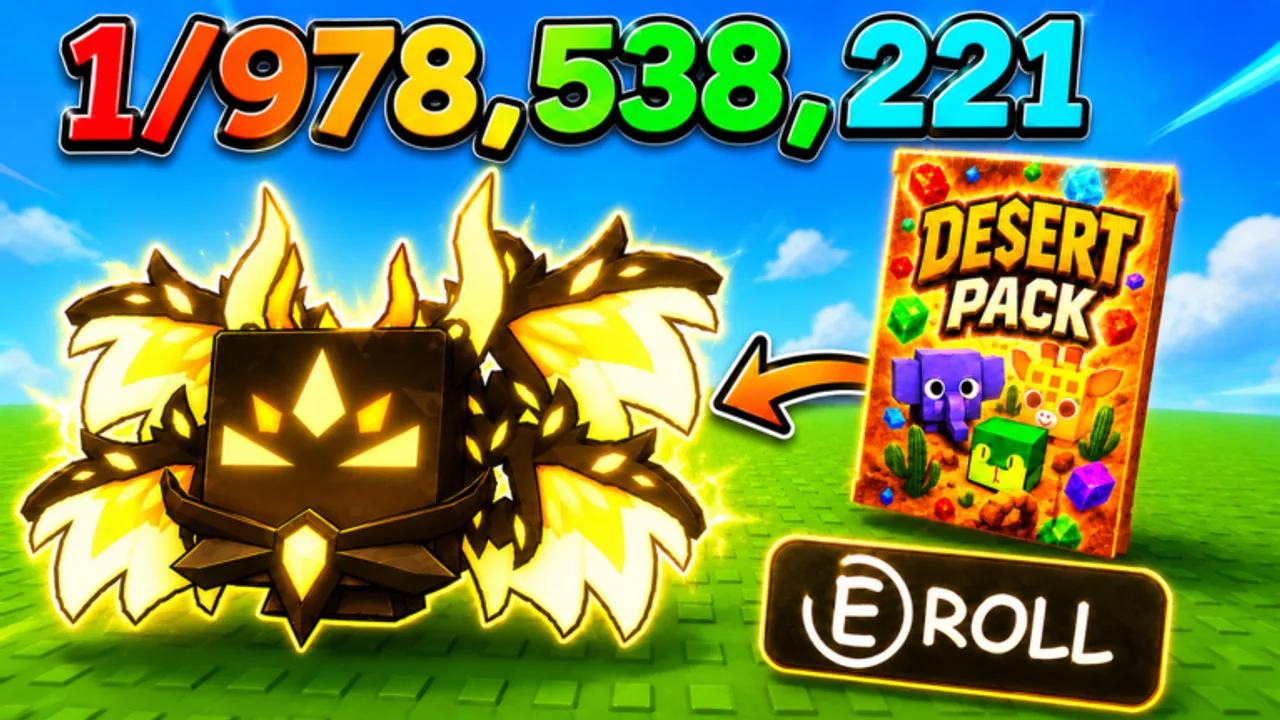
Players returning to Pack RNG after a break often ask one question first: what changed? Treat Games ships Roblox live-service updates on a cadence typical for pack-opening and mining simulators — new packs, ore tweaks, world gates, luck adjustments, offline earnings changes, trading UI moves, and limited-time events. This What’s New page summarizes how to interpret recent patch coverage, what August 2026 public research shows about the game’s growth, and how to verify every claim inside place ID 117752943664280 instead of trusting reposts or wrong-game videos.
For the broader update index and post-patch checklists, start at Updates Hub. For limited-time bonus patterns without fake calendars, read Events Guide.
Featured update video
The embedded overview above uses YouTube ID 2h_1sCEgmWo from Treat Games-facing creator coverage. Watch it when you want a visual tour of recent UI moves, new buttons, or feature highlights — then cross-check every cost, luck source, and trade rule in your live client before rebuilding your account plan.
Videos excel at showing where menus moved and what artists changed. They do not replace official drop rates, unpublished codes, or exact patch timestamps unless Treat Games confirms those separately.
We use this video only on this page so other guides stay focused on mechanics without duplicate embeds.
August 2026 snapshot (community context, not official)
Third-party trackers and public Roblox surfaces during early growth phases have shown approximate figures such as:
- ~225k visits on community trackers like Rolimon’s
- ~12k favorites on the experience page
- ~12 max players per server
- Recent Treat Games update activity on the game page and Treat Games group (~61k members)
These numbers illustrate player interest and server size — they do not predict the next patch date or confirm unreleased features. Always trust in-game UI and official posts over wiki prose when costs or luck values differ.
What recent updates typically touch
Based on the official game description and genre norms, Treat Games patches often adjust:
Pack pools and UI
New pack lines, visual tiers, or button placement near spawn. After changes, revisit Packs Tier List and Controls Guide to remap icons.
Mining and ores
Sell values, spawn density, tool requirements, or gate materials. Pair with Mining Ores and Ores and Items Tier List.
World unlocks
New zones, teleporters, or currency gates — see Unlock Worlds.
Luck systems
Friend bonuses, group rewards, event multipliers, or pet text tweaks. Rerun Luck Checklist and How to Get Luck.
Offline earnings
Caps, timers, payout formulas — Offline Earnings before long breaks.
Trading
Trading has appeared in Pack RNG naming; features can enable, expand, restrict, or temporarily disable. Never accept high-value trades until you confirm UI via Trading Guide and Value List.
Quality-of-life
Inventory limits, notifications, mobile HUD density — especially relevant after watching the featured video above.
How to verify updates officially
Use this order every time something feels different:
- In-game banner or changelog UI when you spawn into Pack RNG.
- Treat Games Roblox group wall — strongest official community signal when Discord or Trello are not advertised on the game page.
- Game description edits on the Roblox experience — look for trading tags, event mentions, or feature lines.
- Treat Games YouTube — overview videos including the one embedded here.
- This wiki — summarized navigation after verification, linking guides when mechanics shift.
We do not list Discord invites or Trello boards unless Treat Games publishes stable public links on official surfaces.
After you watch the video: verification checklist
- Pause on any currency cost shown — confirm live price before spending reserves from Pack Planner.
- Locate moved HUD buttons at spawn — compare to Controls Guide.
- Read luck text on pets and UI prompts — stack with Group Rewards baseline.
- Open trade window once if trading is mentioned — confirm rules before market sessions.
- Check Codes Hub — promo codes sometimes ship with updates, but August 2026 research found none verified active.
- Skim Events Guide if the patch mentions limited-time bonuses.
- Revisit Tier List Hub if new pets or ores enter community meta talk.
What this page will not claim
- Leaked or datamined content without in-game confirmation
- Fake admin codes from comment sections — see Codes Hub only
- Guaranteed event schedules unless Treat Games states dates
- Official rarity percentages unless the developer publishes them
- Scripts or exploits — Scripts Hub documents no verified Pack RNG tools for this place
If this page conflicts with your live client, the client wins. Report outdated wiki sections after you confirm the new behavior.
Relationship to other wiki sections
Updates Hub indexes tracking habits and links subpages.
What’s New (this page) focuses on recent change interpretation with featured video coverage.
Events Guide explains limited-time patterns without inventing calendars.
Guides explain how to play under new rules — Progress Fast, Rare Pets Guide, Review Guide for whether changes affect your goals.
Tools turn patches into habits — Luck Checklist, Pack Planner.
New player orientation after a patch
If you installed Pack RNG because of a recent update video:
- Confirm developer Treat Games on the game page — not TCG Pack RNG clones.
- Complete Getting Started and Group Rewards for free luck.
- Watch the embedded overview here, then verify UI yourself.
- Ignore wrong-game scripts from search results — read Scripts Hub warnings.
Staying current without hype
Favorite the Roblox experience and join the Treat Games group for notification surfaces Roblox exposes. Subscribe to Treat Games YouTube for visual summaries. Bookmark Updates Hub and revisit this page after vacations or long offline stretches.
Sustainable Pack RNG progress means adjusting routines when rules change — not chasing every rumor between patches. Use What’s New as a map back into the game, not as a substitute for spawning in and reading the banner yourself.
Related pages
- Updates Hub — master index and post-patch player checklist.
- Events Guide — limited-time bonuses and stacking luck.
- Review Guide — whether recent changes improve the loop for you.
- Wiki Overview — official links and full site map.
Frequently Asked Questions
Quick answers about Pack RNG systems, this wiki, and where to find official updates.
Where does Treat Games announce Pack RNG changes first?
Usually the in-game notice and Treat Games Roblox group wall. Game description edits and YouTube videos follow as supporting sources.
Why is the update video only on this page?
To avoid duplicate embeds across the wiki. Updates Hub links here for visual coverage; other guides stay focused on mechanics.
Does this page list every patch note verbatim?
No. It explains how to interpret recent changes and verify them live. Read in-game text for exact wording and numbers.
Are visit and favorite counts official?
No. Figures like ~225k visits come from community trackers during research — useful context, not Treat Games statistics.
Will new promo codes appear in update videos?
Sometimes creators mention codes, but we only list verified strings on the Codes hub. None are confirmed active as of August 2026 public research.
What should I do after watching the featured video?
Run the verification checklist on this page — confirm costs, UI locations, trade rules, and luck prompts in your live client before spending currency.